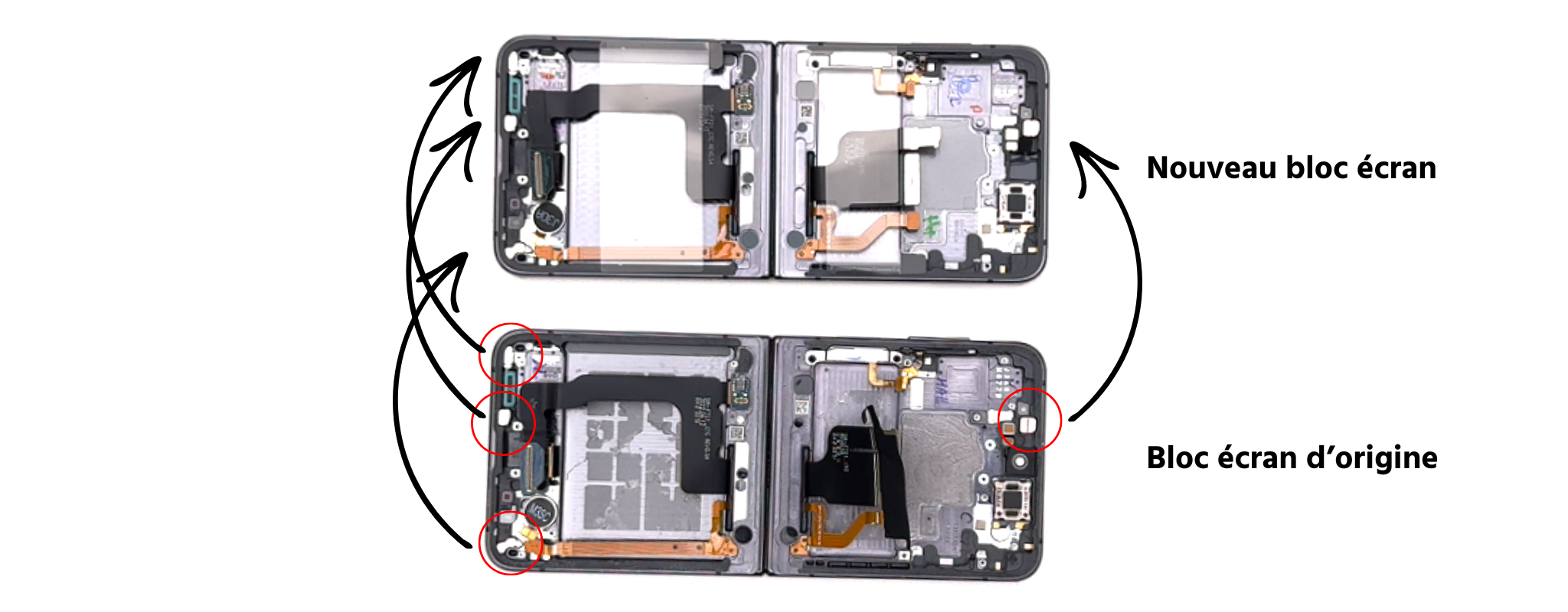
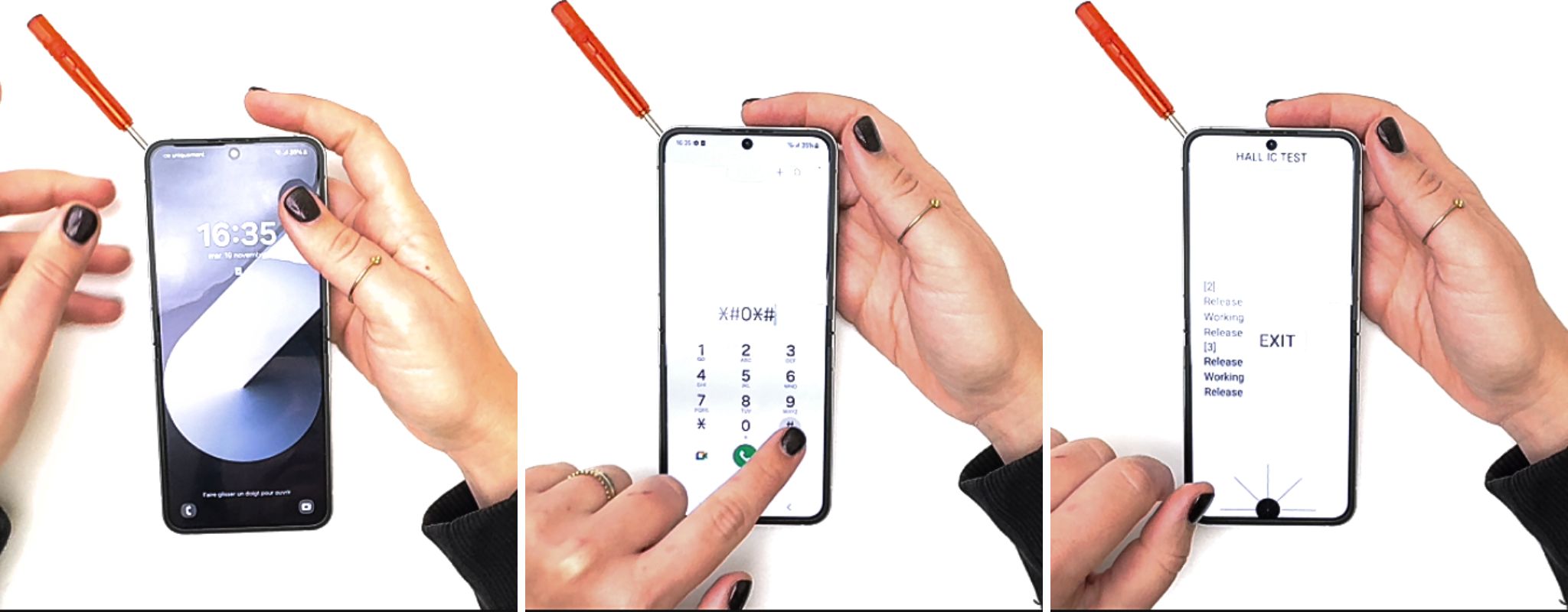
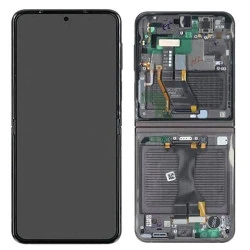
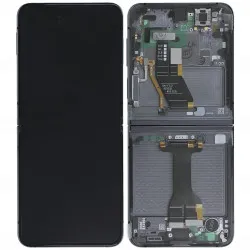
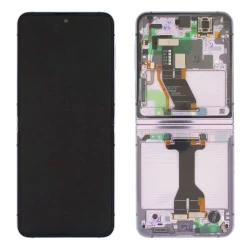
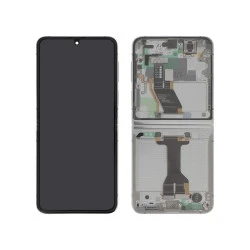
Samsung has developed an application called "Self Repair Assistant" that can detect problems with certain parts and fix them without you having to do anything.
Here are the steps to recalibrate the screen.
STEP 1
Connect your Z Flip to a power source.
STEP 2
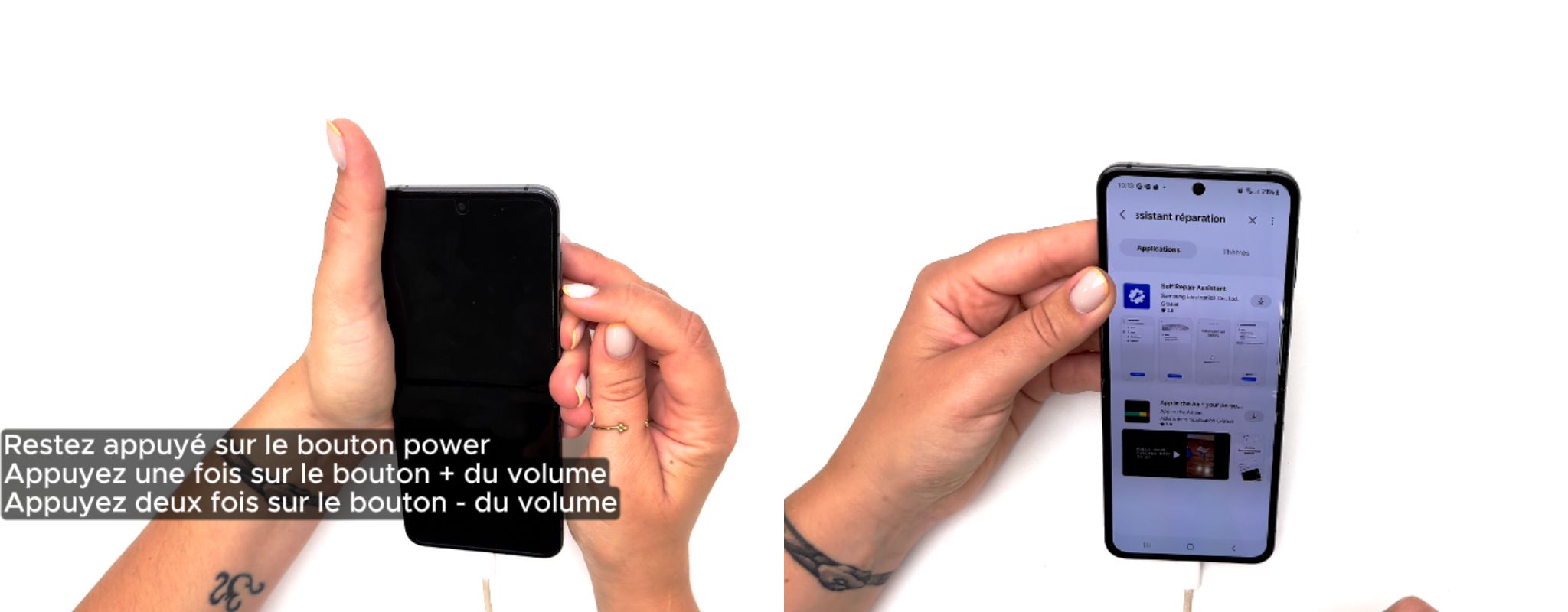
- Open the phone.
- press and hold the power button and do not release it,
- press the volume up button once,
- Press the volume down button twice.
- the screen will light up, you can release the power button.
STEP 3
Open the Galaxy Store, type "self-repair assistant" in the search bar and download it. Launch the application and follow the instructions. (If you cannot find the application in the store, see the end of the article).
- Launch the application
- Press "Start"
- Select "Screen"
- Tap "Next"
- Tap "Start"
The screen will be blank for a few seconds, then simply click on "Finish".
To see the complete procedure, watch the video at the beginning of the article.