Orders are dispatched the same day if placed before 3pm (Monday to Friday). Find out more

Do you need to restart your iPhone or turn it off? Is your iPhone frozen or is the touchscreen no longer working? Here are several steps you can take to force your iPhone to turn off or restart.

To completely turn off your iPhone 

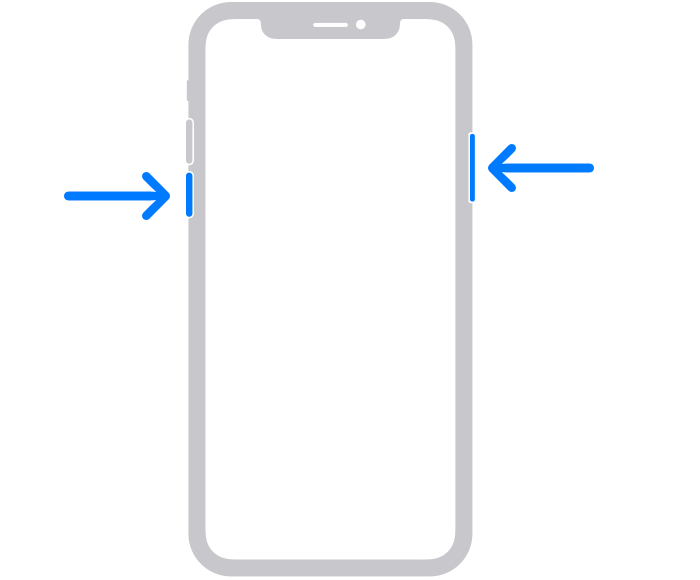
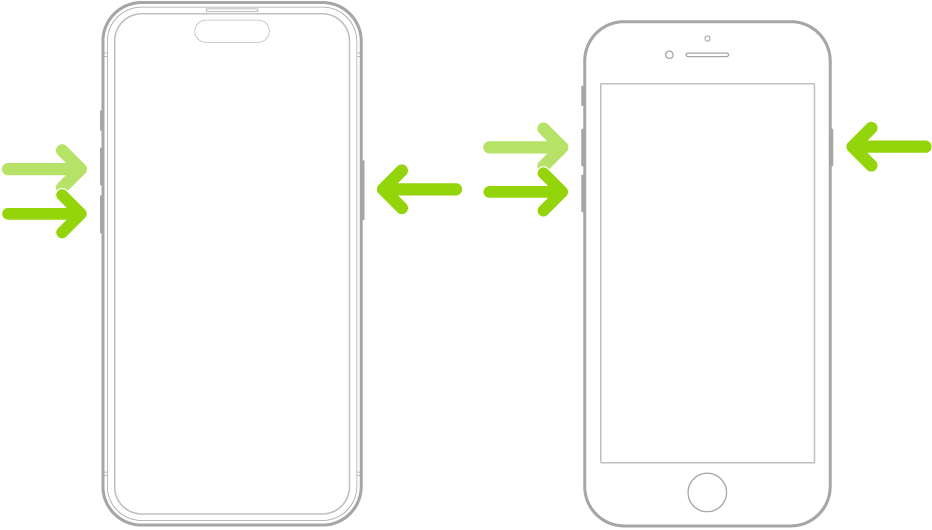
To turn off your iPhone, press and hold the volume up button (the top one) and the on/off button (on the right) simultaneously for 10 seconds. The screen will display the "power off" feature and you will simply need to slide the bar from left to right.

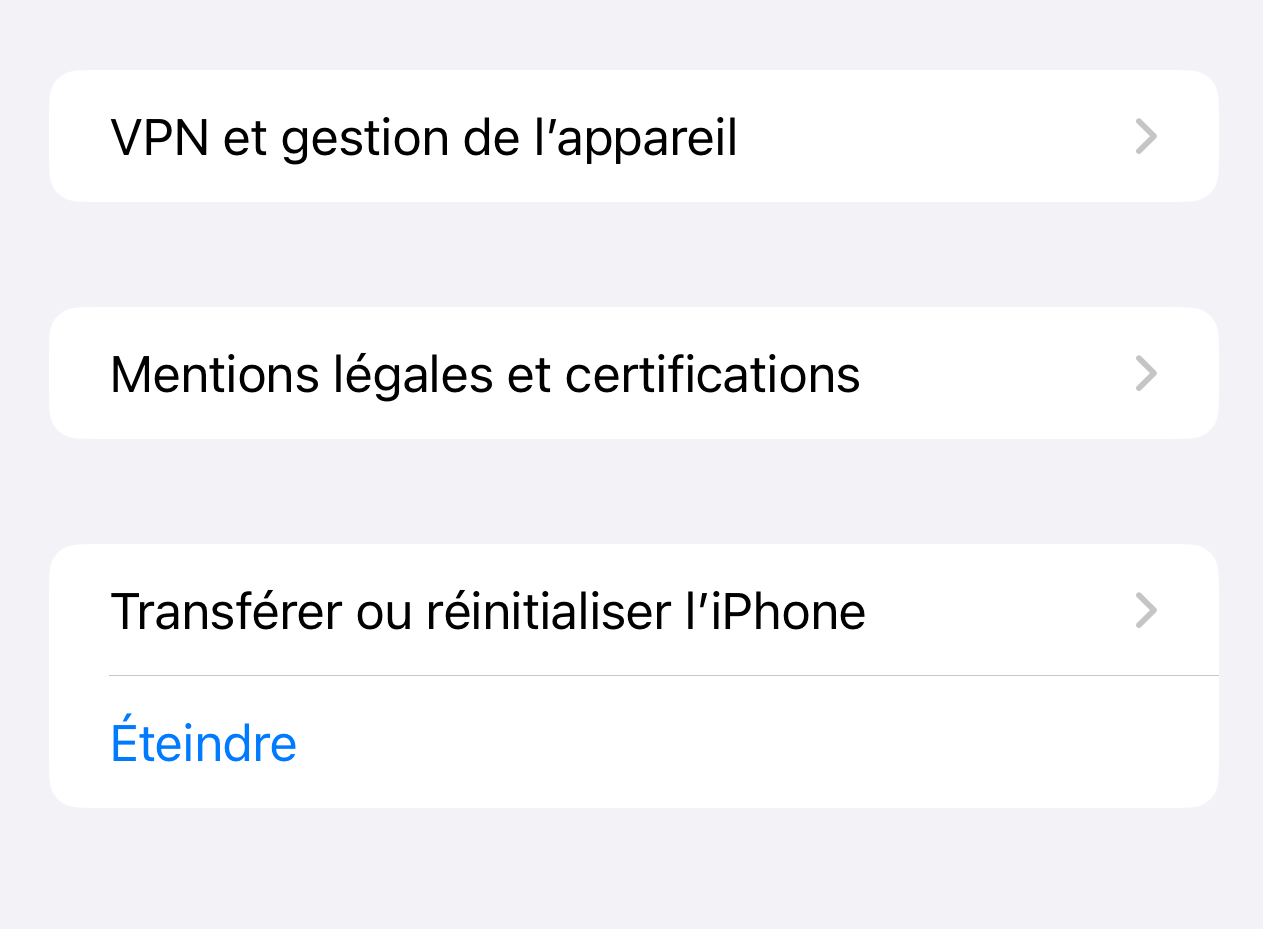
If the side button(s) no longer work, you can go to "Settings > General > Shut Down".

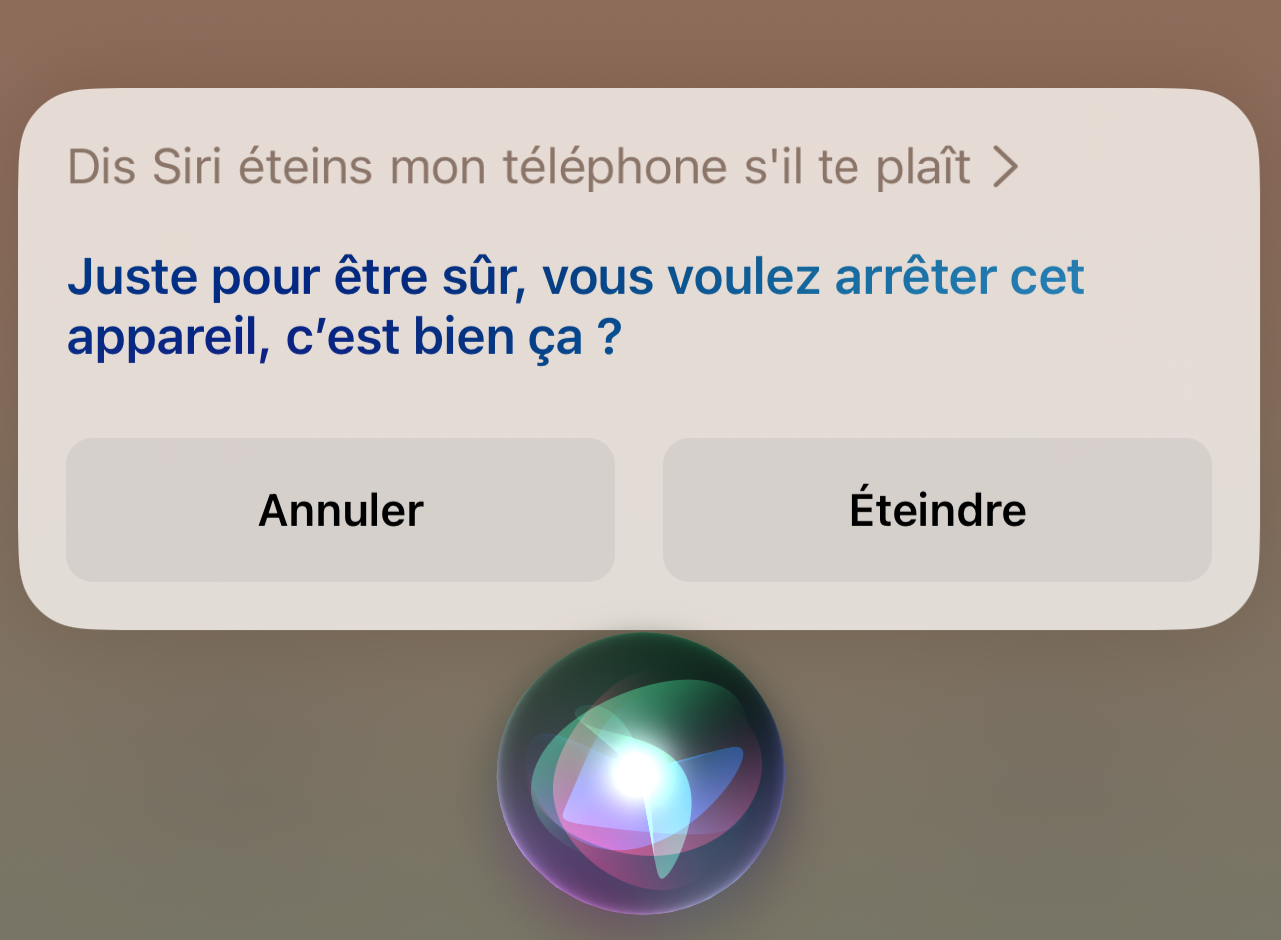
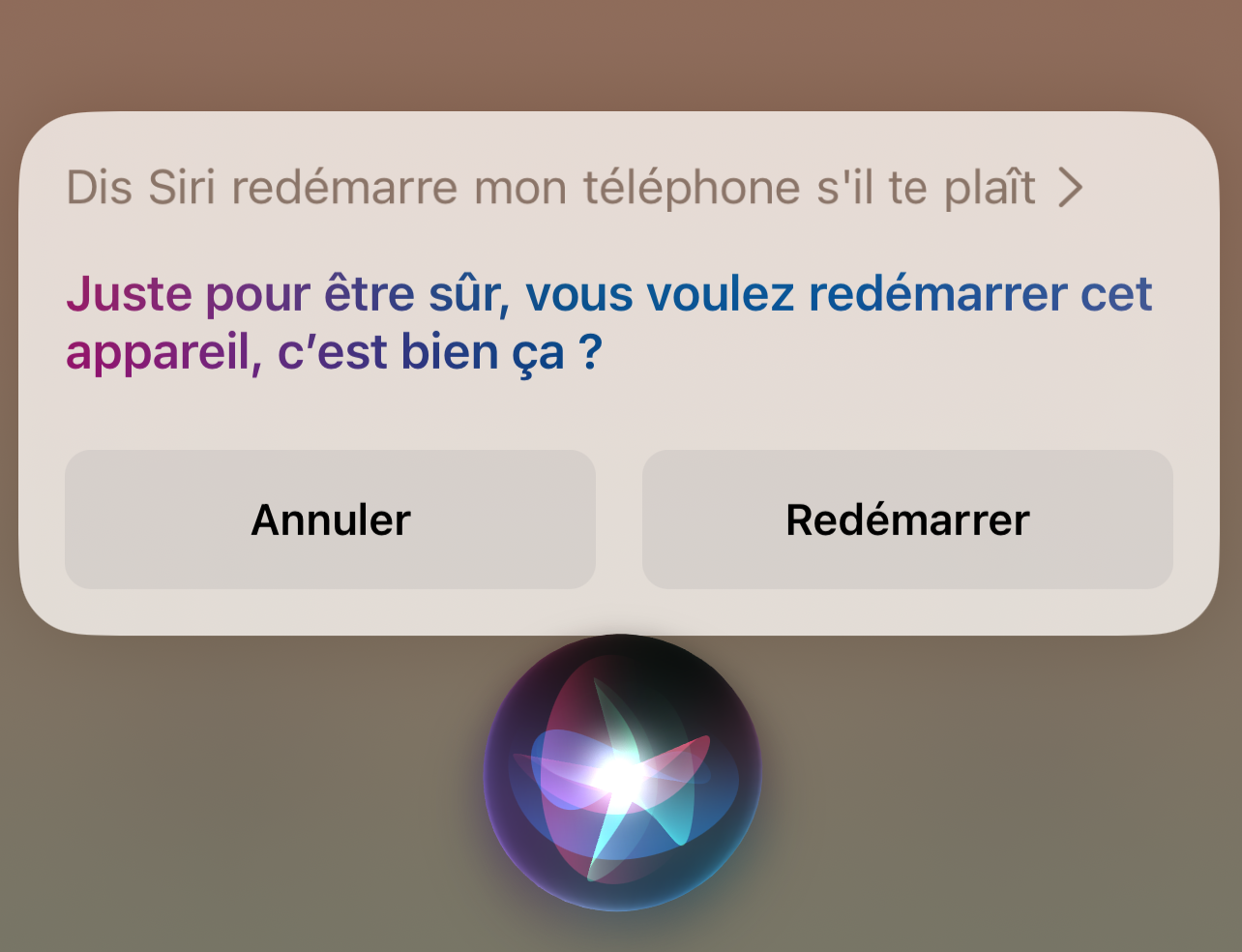
If your touchscreen or side button(s) no longer work, there is only one solution: the "Siri" voice command. This requires that Siri be activated on your iPhone beforehand and that your microphone is working. Using it couldn't be easier. Say "Hey Siri". Wait until you hear Siri's voice or see the blue and purple circle appear at the bottom of your screen (depending on the condition of your phone if it is damaged). Then say "Turn off my iPhone". Siri will ask for confirmation. Tap "Turn Off" if you can, otherwise say "Yes". Siri will carry out your command and your iPhone will turn off. 

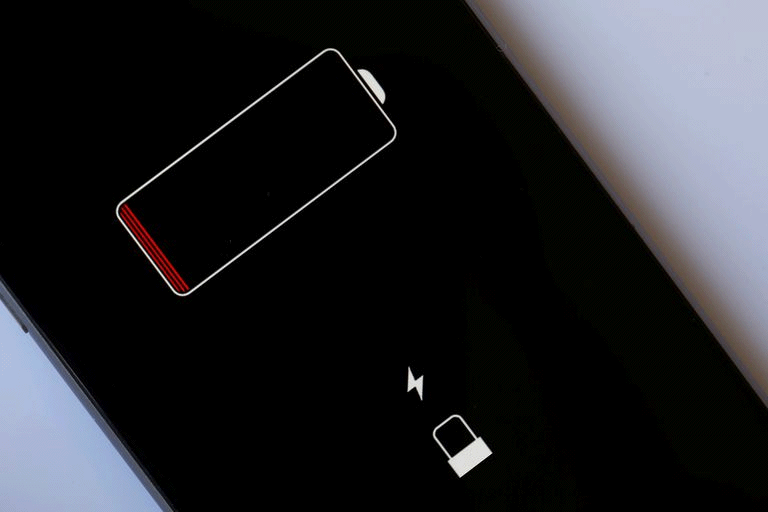
If, unfortunately, Siri is not configured on your iPhone or your microphone is not working, there is one last solution: let your iPhone run out of battery completely! 

To force restart your iPhone

If you need to restart your iPhone, there are several ways to do so. These solutions work even when the touchscreen is not responding.

The first, as mentioned above, is to use Siri. The command is the same: simply ask "restart my phone" once Siri is activated. 

The second is the "hard reset" technique. To do this, press the volume up button (the top one) once, then the volume down button (the bottom one) once, and then hold down the on/off button (on the right) for at least 10 seconds. Release when the screen turns off. Your iPhone will restart after a few seconds.

More articles

VISIT OUR BLOG
Advice
IPhone screen: understanding Hz and ProMotion

IPhone screen: understanding Hz and ProMotion

60 Hz, 90 Hz, 120 Hz, ProMotion: find out how the display frequency of an iPhone screen works,...

2025-11-28
Advice
What quality iPhone screen should I choose? TFT, INCELL, OLED, original

What quality iPhone screen should I choose? TFT, INCELL, OLED, original

TFT, INCELL, LTPS, hard and soft OLED, Service Pack, refurbished or pulled: find out which iPhone...

2025-11-26
News
OnePlus 13: Features and Release Date

OnePlus 13: Features and Release Date

OnePlus 13: Discover its features, innovations and expected release date. Everything you need to...

2025-03-04