Français
 English GB
 Deutsch
- Adaptable


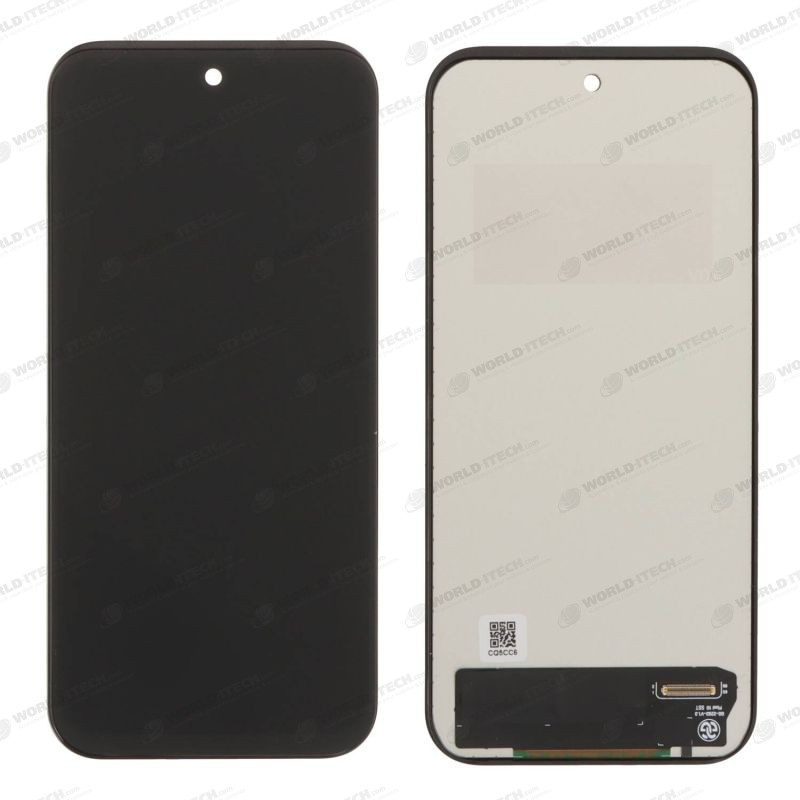
The TFT-compatible screen is the most cost-effective way to repair your Google Pixel 10.
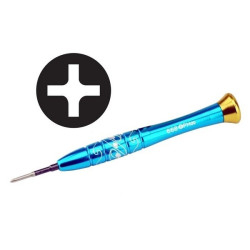
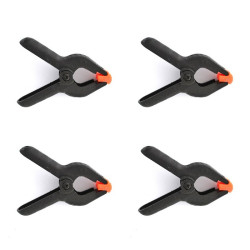
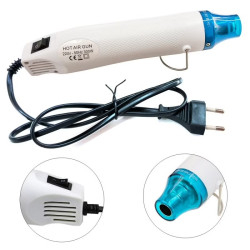
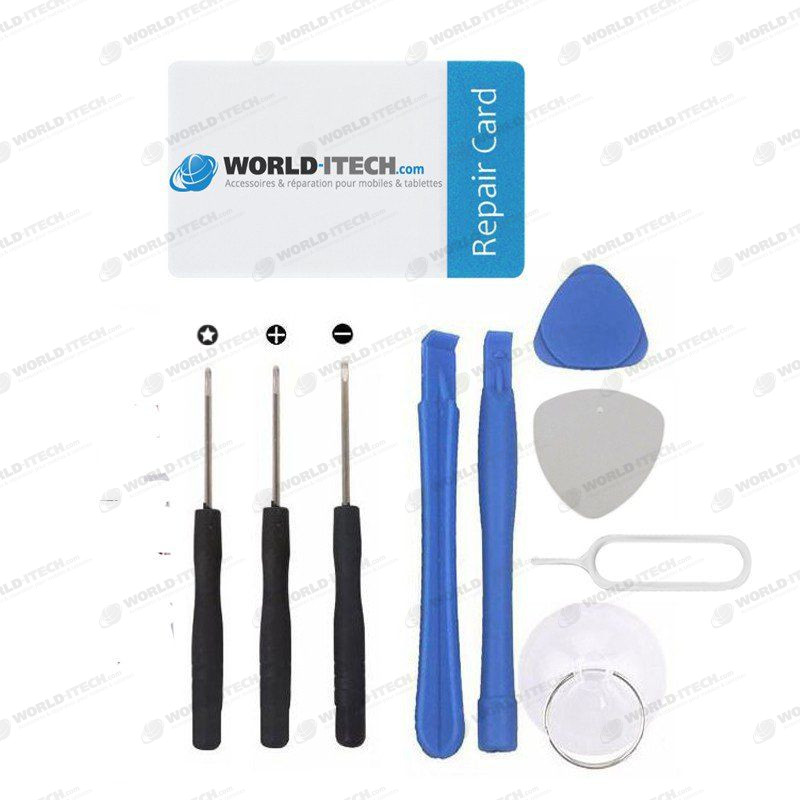
A ‘tool Kit’ is included with your purchase of the screen to make the repair easier; a video tutorial is available in the description to guide you through the replacement process.


The TFT-compatible screen for the Pixel 10 consists of:
The touchscreen glass cannot be separated from the display as they are bonded together at the factory.
PLEASE NOTE: THIS IS A BUDGET-PRICED SCREEN, A LOWER-RANGE PART COMPARED TO THE Official:
-
Fragile touchscreen glass - Average display quality (TFT display instead of OLED)
- Fingerprint recognition not possible through the screen -
Ideal for data recovery or returning the phone to a mobile network operator -
Not recommended for long-term use -
Warranty valid only until the protective film is removed
To find out if this part is compatible with your phone, check the following model:
If you are unsure about your phone model, please contact us.
With the ‘free Tool Kit’, screen replacement is estimated to take 15 minutes.
Please note that you must remove the fingerprint reader from the old screen.
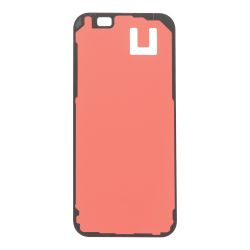
You can use a new sealing gasket, available here.
You’ll find assembly instructions below in the ‘video tutorial’ tab.
The screen must be tested before it is glued in place; the protective film must be removed once the repair is complete and after checking that everything is working correctly (display, touchscreen, etc.).

| Quality | Compatible |
|---|---|
| Type of part | Screen |
| Compatibility | Pixel 10 |
| Label | Adaptable |
Oops, no compatibility information available for your equipment
Please contact our customer support to check the compatibility of this product with your model.